Now Live on iOS & Android

Capture Dual Views.
In One Take.

The only professional camera app that simultaneously records landscape and portrait streams — giving creators total control over every frame, every format, every platform.
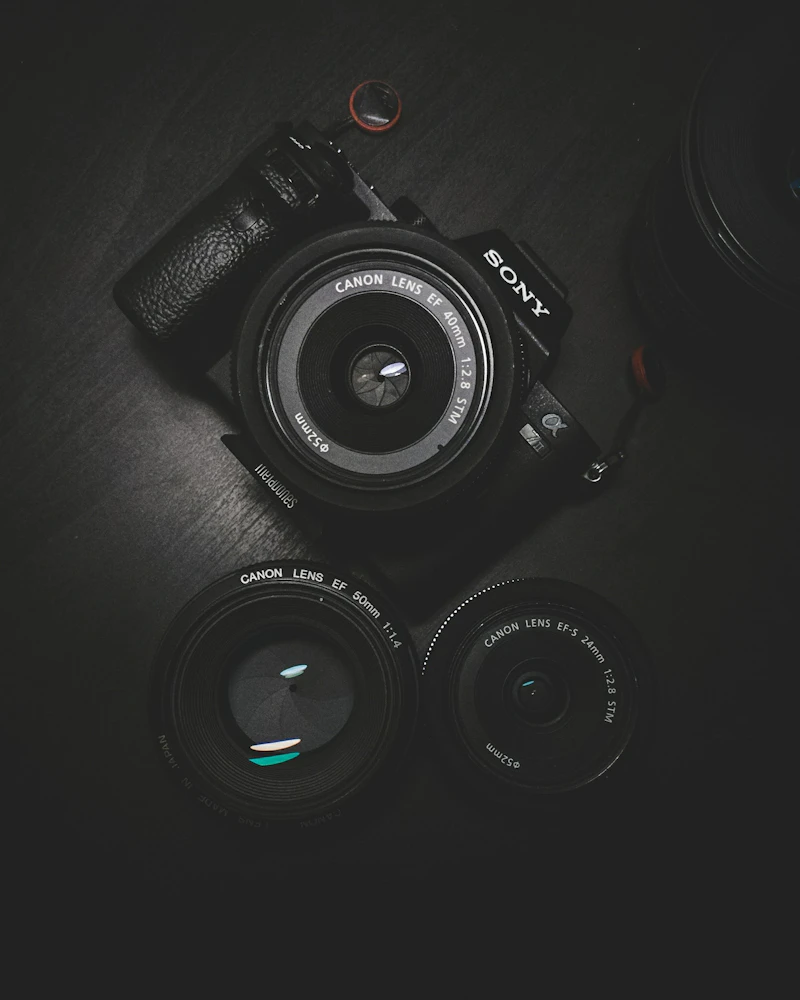
Professional camera lens close-up
📹 4K Dual-Stream
⚡ Real-time Sync

2.4M+
Creators Worldwide
98%
5-Star Ratings
4K
Max Resolution
0.3ms
Sync Latency

Built for Creators Who Demand More

Every tool you need to produce professional-grade content — without the complexity of traditional rigs.

🎬

Simultaneous Dual-Stream

Record landscape (16:9) and portrait (9:16) in one tap. Both streams retain full 4K quality with independent exposure settings — no cropping, no compromises.

📝

Pro Teleprompter

Eye-line-optimized scrolling script overlay keeps you looking directly into the lens. Adjust speed, font size, and opacity on the fly. Import .txt or .docx files instantly.

🎛️

Full Manual Control

Granular sliders for ISO, shutter speed, white balance, and focus depth. Zebra striping, focus peaking, and waveform monitor built right in — just like a DSLR.

🎨

LUT Color Grading

Apply real-time LUT previews while recording. Import your own .cube files or choose from 40+ cinematic presets. Your footage is grade-ready the moment you stop rolling.

🔊

Pro Audio Engine

Multi-channel audio mixing with VU meters, gain control, and noise gate. Supports external USB-C microphones with latency-free monitoring through your headphones.

☁️

Instant Cloud Sync

Footage uploads automatically to your preferred cloud storage. Background uploads mean you can keep shooting while files sync — no waiting, no lost takes.

Content creator filming setup with professional lighting

One Tap. Two Perfect Streams.

Traditional apps force you to choose: horizontal for YouTube, or vertical for TikTok and Reels. DuoCam Pro captures both simultaneously from your device's sensors, intelligently framing each stream for its native aspect ratio.

  • Independent exposure & focus per stream
  • No post-crop quality loss — true native resolution
  • Seamless switching between streams during live preview
Creator editing video on a laptop in a modern studio

Grade Like a Pro. On Device.

Why wait for post? DuoCam Pro's built-in color engine lets you bake LUTs directly into your footage — or record a clean LOG profile for maximum flexibility later. The choice is yours, and it's all real-time.

  • 40+ built-in cinematic LUT presets
  • Import custom .cube LUT files
  • Toggle between graded preview and clean LOG output
Smartphone filming a scenic outdoor location

Studio-Grade Audio. In Your Pocket.

Great video demands great sound. DuoCam Pro's audio engine gives you multi-track control with real-time VU metering, adjustable gain staging, and support for any USB-C or wireless microphone — so your audience hears every word.

  • Latency-free headphone monitoring
  • Noise gate & compressor built in
  • Separate audio gain per stream

From Setup to Stream in 3 Steps

No complicated rigs. No expensive gear. Just your phone and DuoCam Pro.

1

Frame Your Shot

Open the app and position your phone. The intelligent viewfinder shows both landscape and portrait crops in real time — adjust each independently.

2

Dial In Your Settings

Set exposure, focus, white balance, and audio levels. Apply a LUT if you want a specific look. The teleprompter loads your script automatically.

3

Record & Share

Hit record. Both streams save simultaneously. When you stop, files auto-upload to your cloud. Export directly to your editing app or post natively.

What the Community Says

Join 2.4 million creators who've upgraded their workflow.

"DuoCam Pro single-handedly saved me 6 hours a week. I used to film everything twice — once horizontal, once vertical. Now it's one take. Game changer."

Portrait of a female creator
Sarah Chen YouTube Creator • 1.2M subs

"The teleprompter alone is worth the download. Eye-line optimized scrolling means I never look like I'm reading. My retention graphs went up 22% in the first month."

Portrait of a male creator
Marcus Rivera Tech Reviewer • 890K followers

"I run a small agency and DuoCam Pro is now part of our standard kit. The LUT support means consistent color across every creator's footage. Absolutely essential."

Portrait of a professional photographer
Jordan Kim Creative Director • Studio Nova

Choose Your Creative Power

All plans include core dual-stream recording. Upgrade for pro features.

Starter

Free

Forever free, no ads

  • Dual-stream recording (1080p)
  • Basic exposure controls
  • Standard teleprompter
  • Local storage only
  • Watermark on exports
Get Started

Team

$29/month

For agencies & studios

  • Everything in Pro
  • Up to 5 team members
  • Shared LUT library
  • Priority cloud storage (1TB)
  • API access & webhooks
  • Dedicated support
Contact Sales

Got Questions? We've Got Answers.

Does DuoCam Pro work on both iOS and Android?
Yes! DuoCam Pro is fully supported on iOS 16+ and Android 13+. We leverage native camera APIs on both platforms to deliver the best possible performance. Some advanced features (like external SSD recording) are currently iOS-only but coming to Android soon.
Can I really record landscape and portrait at the same time?
Absolutely — that's our core feature. DuoCam Pro uses intelligent sensor cropping to capture both aspect ratios simultaneously at full native resolution. You get two separate video files, each optimized for its format, from a single press of the record button.
What external microphones are supported?
We support all USB-C class-compliant microphones (like the RØDE VideoMic NTG, Shure MV88+, and Sennheiser MKE series), as well as Bluetooth microphones with low-latency codecs. The Pro audio engine provides real-time monitoring through your device's headphone port or USB-C DAC.
Does the teleprompter work with custom scripts?
Yes. You can paste text directly, import .txt or .docx files, or sync scripts from cloud storage. The Pro plan also includes AI-powered script formatting that optimizes line breaks for natural eye movement and pacing.
Is my footage stored securely in the cloud?
All cloud uploads use end-to-end encryption. You can choose between Google Drive, Dropbox, iCloud, or our own encrypted DuoCam Cloud (included with Pro and Team plans). Footage is never accessed by anyone but you.
Can I cancel my Pro subscription anytime?
Yes, absolutely. There are no long-term contracts. Cancel anytime and your subscription will remain active until the end of the current billing period. Your footage stays yours — we never hold your content hostage.

Ready to Transform
Your Creative Workflow?

Join 2.4 million creators who capture more, create faster, and deliver better content — all from one app.

Download DuoCam Pro — Free

Available on the App Store & Google Play • No credit card required